 Image 1 of 1
Overview
The WebControlPanelTemplate is a template for embedded WEB control page devices. The template includes everything to build embedded WEB control interface for camera. This template can be modified by user with additional parameters and functions. It includes WEB server application (WebControlPanel) and C++ application (ApplicationTemplate). The WebControlPanel is an addon to Linux Cockpitsystemd service. The WebControlWeb repository provides the web-based user interface and integration scripts for the WebControl system, designed to work with the Cockpit web console. It enables configuration, monitoring, and control of the WebControl application running on the device, utilizing HTTPS communication. The structure of this repository allows you to maintain user tabs or features and customize the UI branding. The Linux Cockpit provides all necessary infrastructure for camera WEB control interface including file viewer, terminal etc. It is highly customizable and has lots of addons to serve as a base for camera control WEB interface. The template provides to the Linux Cockpit with custom web pages with video display and custom video processing pipeline parameters control. The WEB Control Page Template provides secure HTTPS connection, user management, services managements, updates management, file viewer, on-WEB system terminal and custom parameters control. The WebControlPanel establishes HTTPS connection to ApplicationTemplate to request configuration and send control commands. It is template for camera embedded application. The ApplicationTemplate application is video processing pipeline implementation with RTSP / WebRTC video server and external UDP control interface. It provides video streams and video processing with several functional modules from RapidPixel SDK. The WebControlPanel depends on Linux Cockpit installation and some libraries for WEB project compilation. The project leverages popular open-source libraries and tools, including Vitefor fast frontend builds, React for UI development, and cockpit-navigator for file management. All configuration and customization options are documented in this repository. The ApplicationTemplate is an implementation of video processing pipeline and depends on the libraries: VPipeline(video processing pipeline infrastructure), CppHttpLib (provides an HTTP/HTTPS server required communication with WEB server, MIT license), ColorProcessor(brightness, contrast, saturation etc. correction), Dehazer (fog removal filter), Denoiser (noise removal filter), DigitalZoom (digital zoom), ImageFlip (image flip filter), GasLeakDetector (motion magnification filter), CvTracker (video tracker), Gmd (motion detector), Ged (changes detector), VStabiliserCv (video stabilizer), VStreamerMediaMtx (video server), VCodecLibav (video codec based on ffmpeg, linked, LGPL license).
Documentation
Documentation: GO TO DOCUMENATION
Source code files
CMakeLists.txt ----------------------- Main CMake file.
static ------------------------------- Folder with static files for documentation.
3rdparty ----------------------------- Folder with third-party libraries.
    CppHttpLib ----------------------- Folder with HTTP/HTTPS server library source code.
src ---------------------------------- Folder with application source code.
    CMakeLists.txt ------------------- CMake file.
    ApplicationConfig.h -------------- Main application configuration header file.
    ApplicationTemplateVersion.h.in -- File for CMake to generate version header.
    ApplicationTemplateVersion.h ----- Header file with application version.
    WebApplicationTemplateVersion.h -- Header file with WEB application version.
    ExternalControl.cpp -------------- External control source code file.
    WebControl.cpp ------------------- WEB server communication source code file.
    Utils.cpp ------------------------ Utils source code file.
    VideoOverlay.h ------------------- Custom video overlay header file.
    VideoOverlay.cpp ----------------- Custom video overlay implementation file.
    main.cpp ------------------------- Application source code file.
    WebTableContent.h ---------------- Header with custom parameters WEB page configuration.
WebControlPanel ---------------------- Folder with WEB control panel project files.
    branding ------------------------- Folder with files for WEB page branding.
    navigator ------------------------ Folder with file viewer addon files.
    public --------------------------- Folder with SVG icons.
    src ------------------------------ Folder with WEB project main source files.
    eslint.config.js ----------------- JS config file.
    install.sh ----------------------- Installation script.
    package-lock.json ---------------- JSON config file.
    package.json --------------------- JSON config file.
    parameters.html ------------------ HTML file for parameters display.
    postBuild.js --------------------- Service JS file.
    videostream.html ----------------- HTML code for video stream display.
    vite.config.js ------------------- Service JS file.
    vite.parameters.config.js -------- JS config file.
    vite.videostream.config.js ------- JS config file.
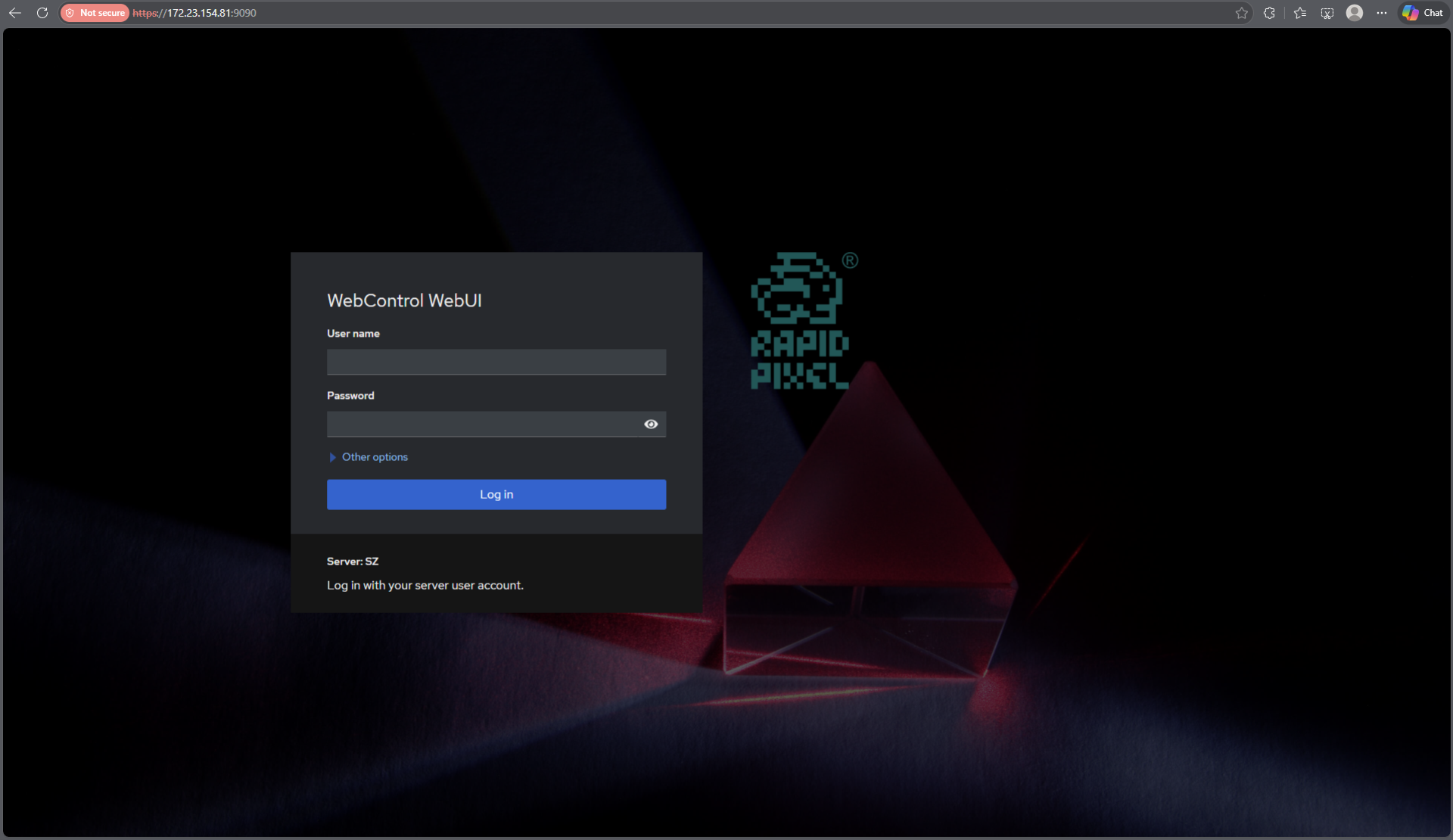
Default login page
The login page uses system users and passwords and provides HTTPS connection.
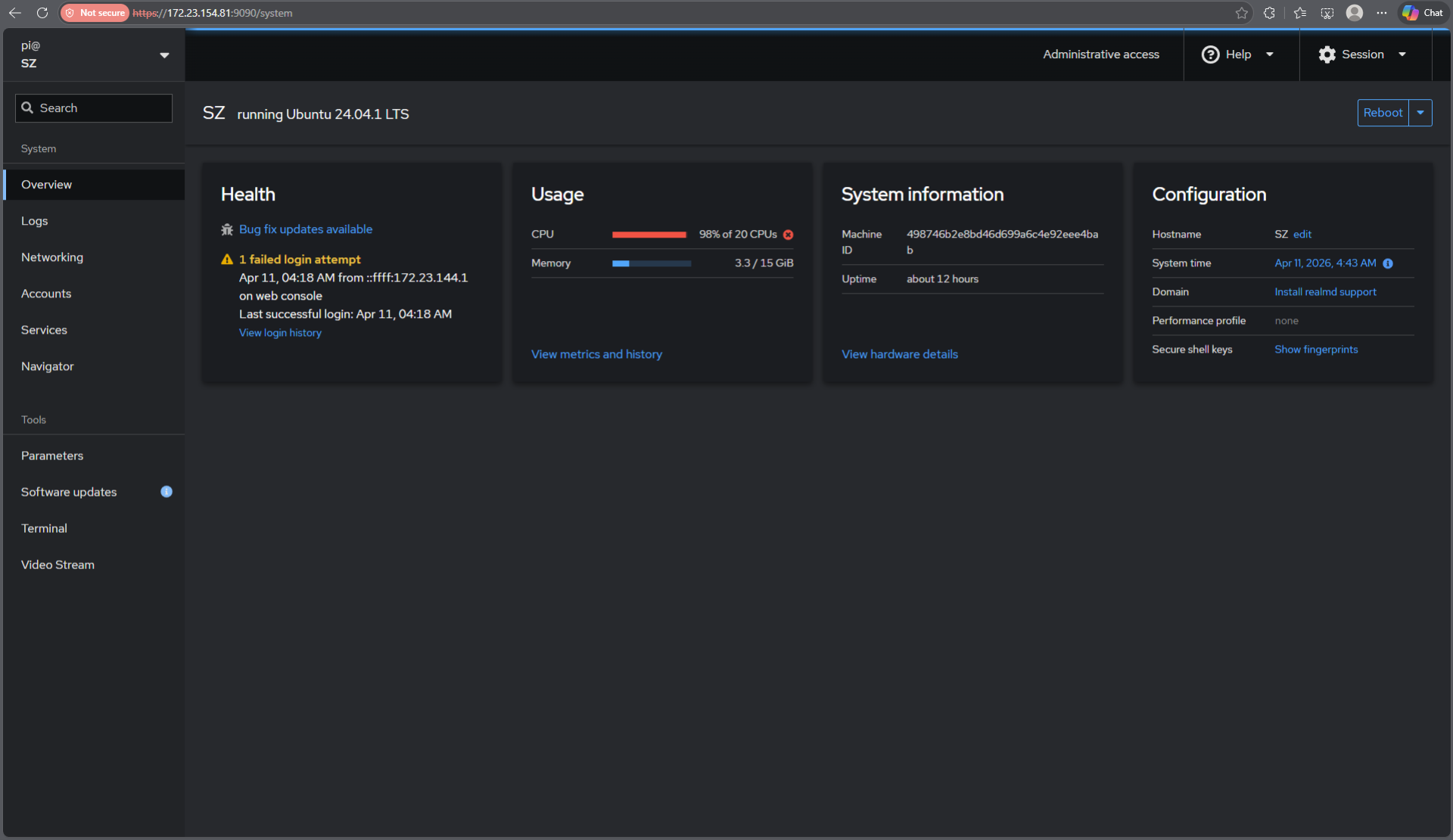
Default system info page
System information WEB page provides information of CPU and Memory usage.
The WebControlPanelTemplate includes source code only. The user would be given a set of files in the form of a CMake project (repository) and folder with WEB project. The repository structure is shown below:
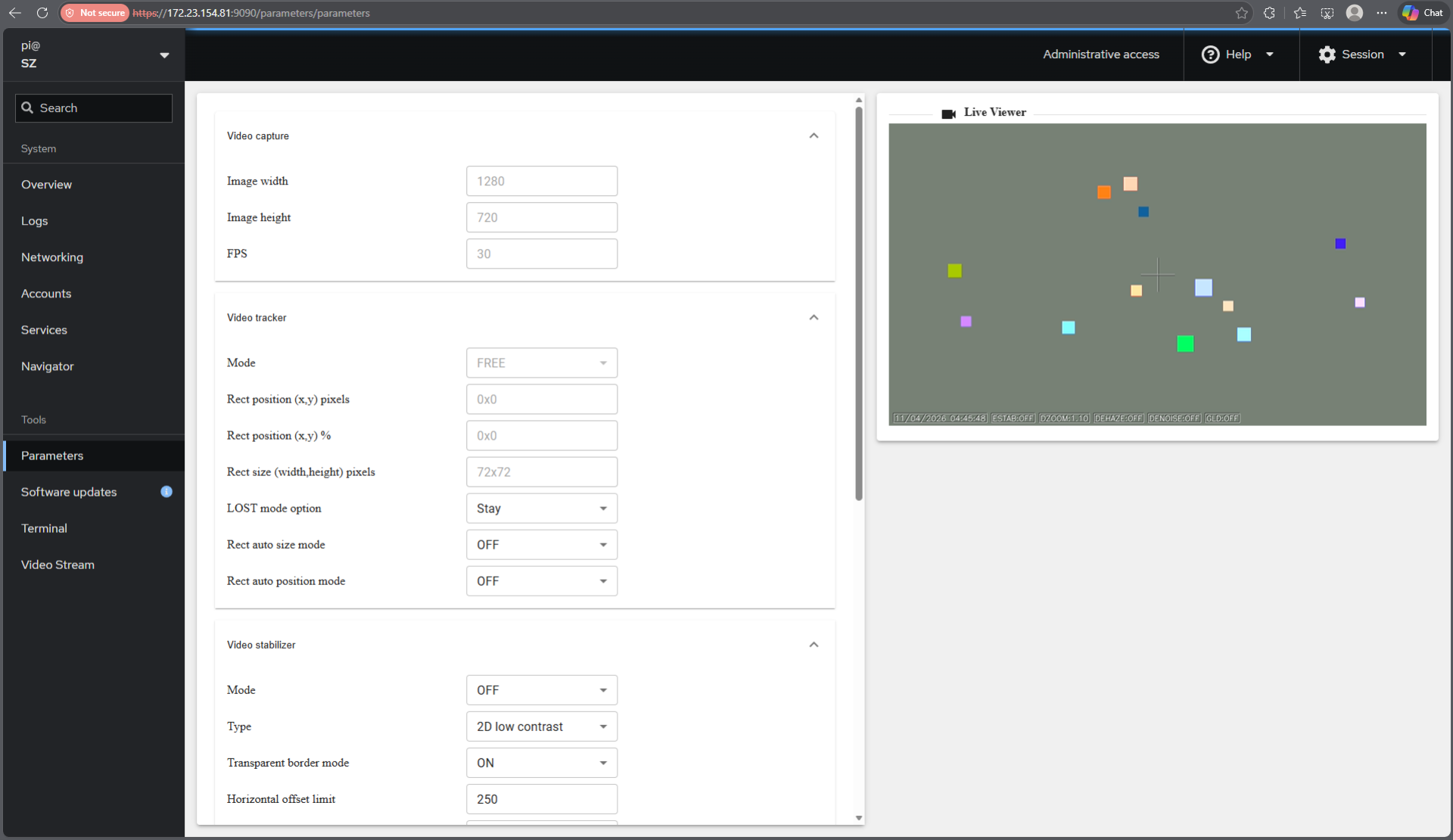
Custom parameters page
Custom WEB page is addon to Linux Cockpit and provides control parameters for your application.
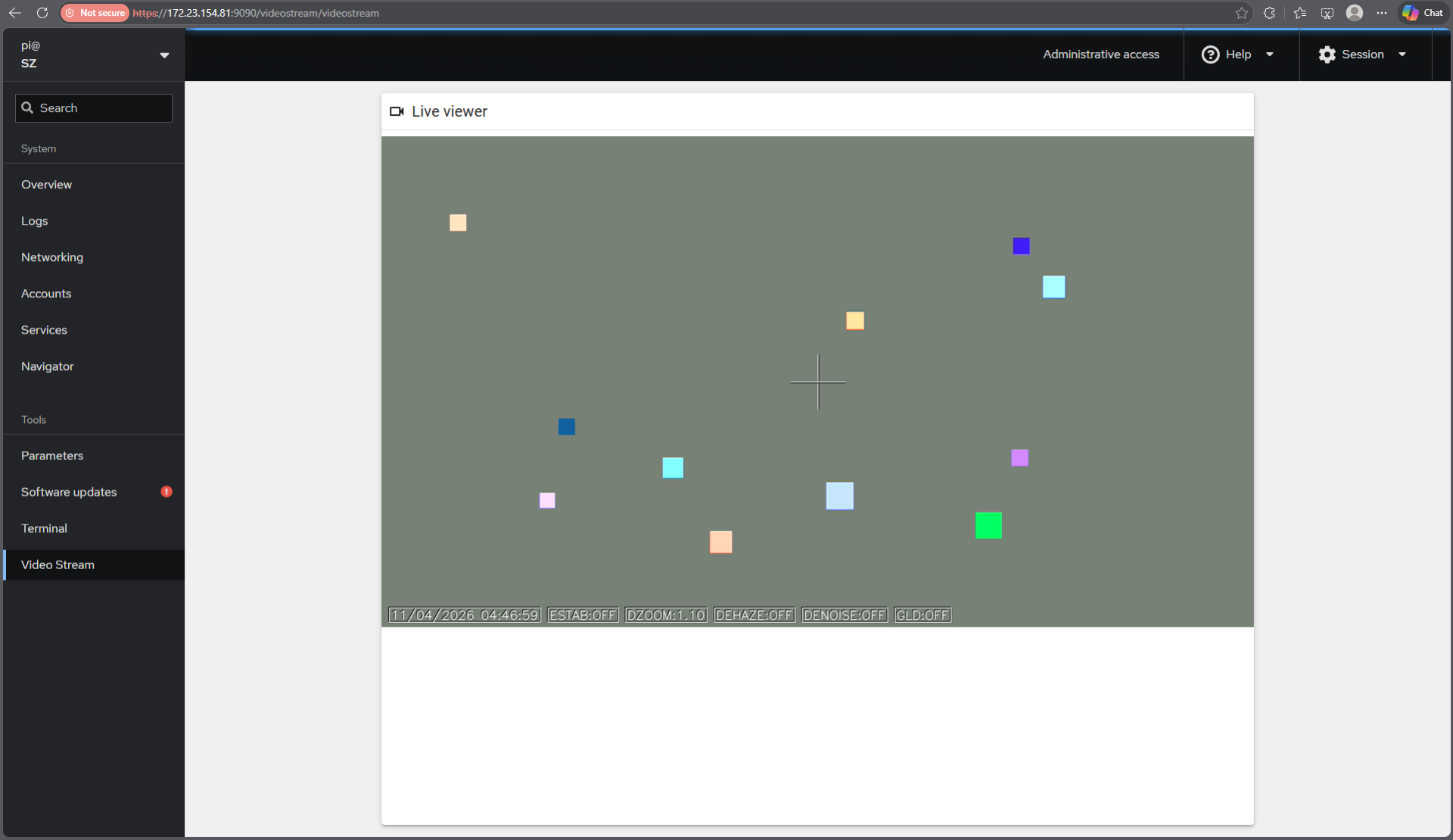
Default video display page
Custom WEB page to display video is also addon to Linux Cockpit. It can be changed as the user wants.